- On sale!
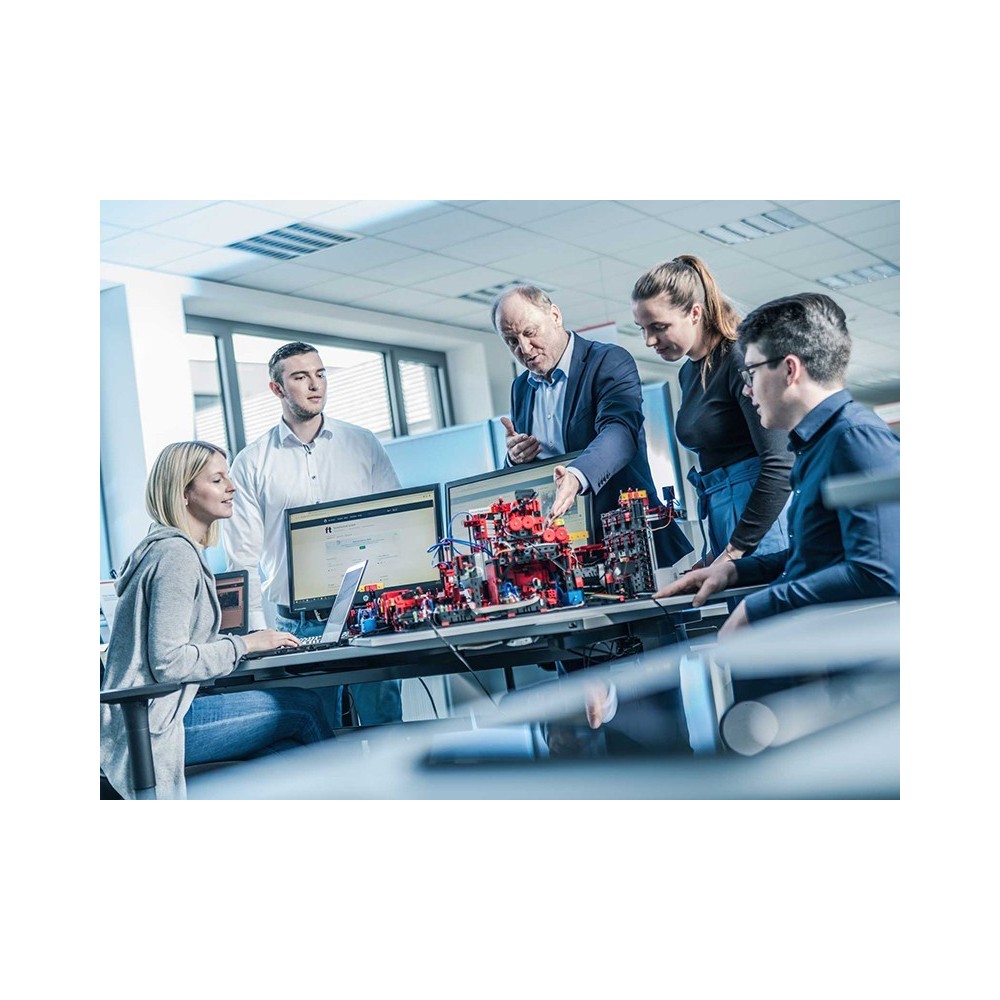
Ideal for school or manufacturing companies
Mounted on a solid wooden plate
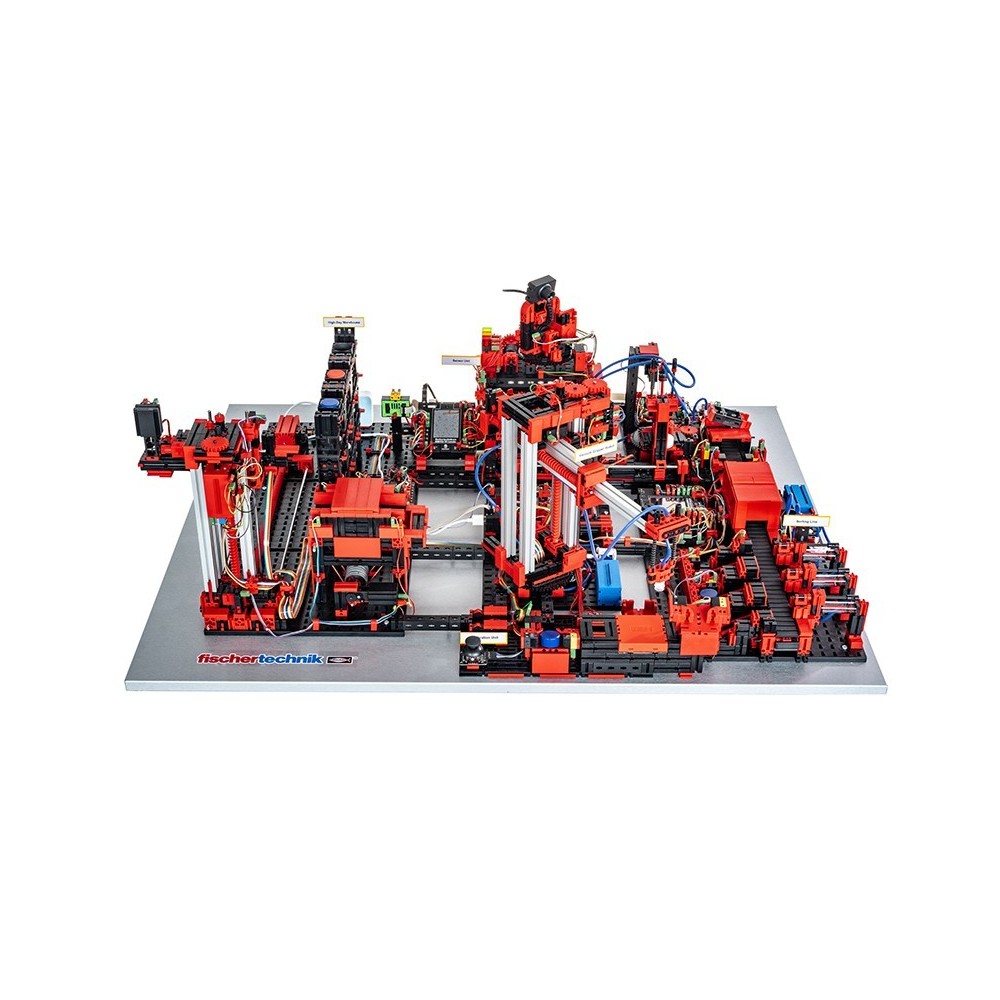
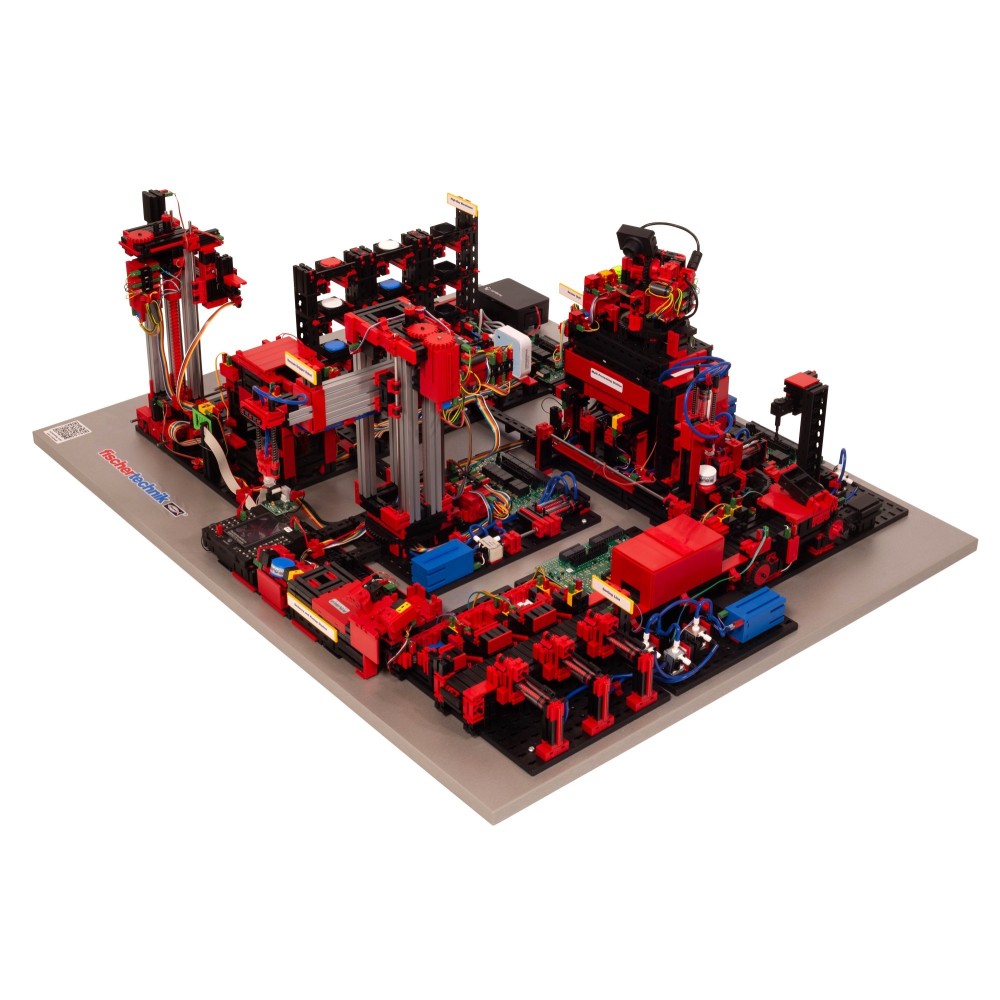
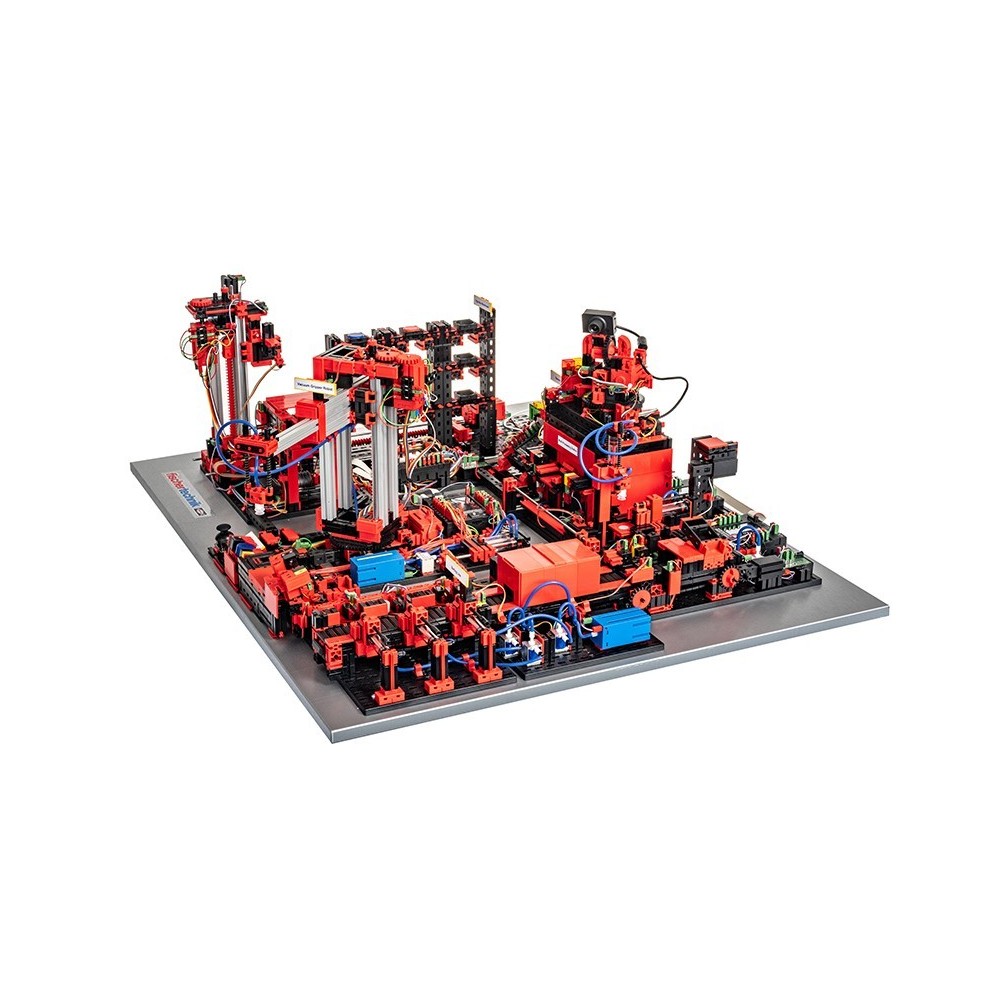
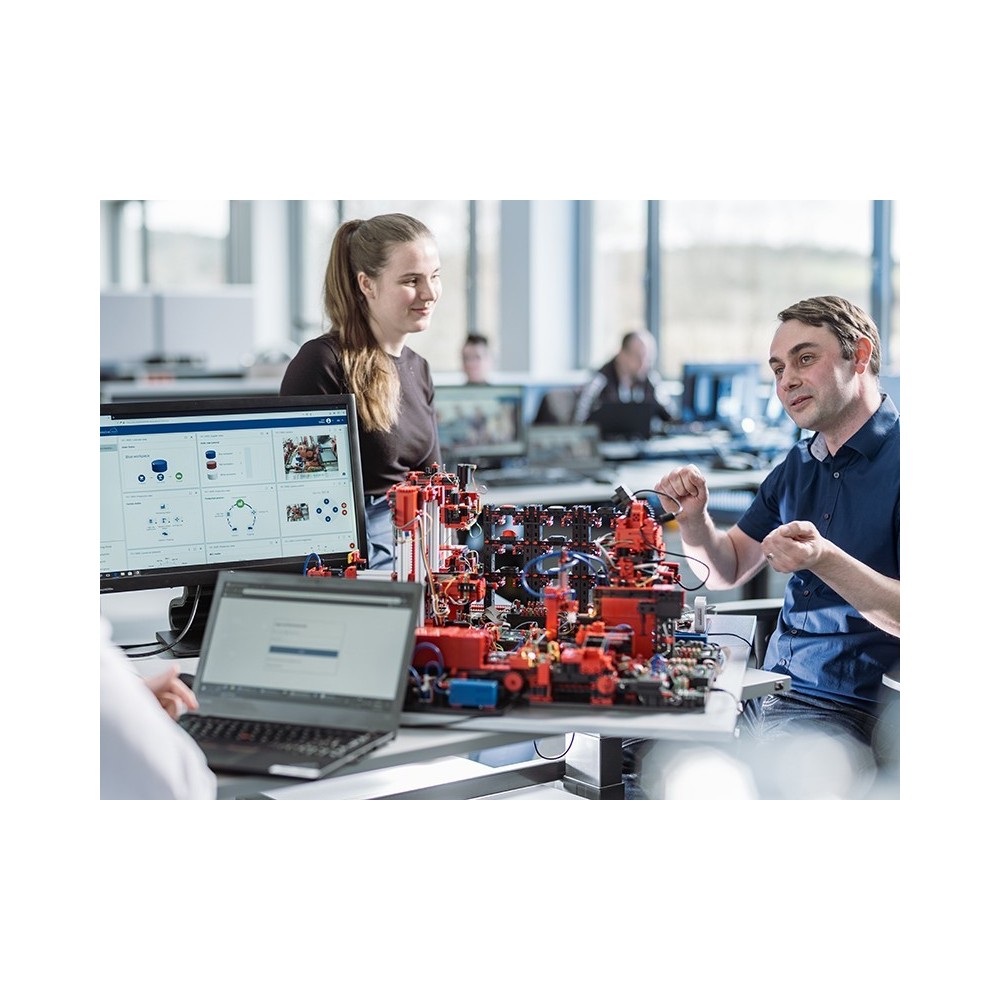
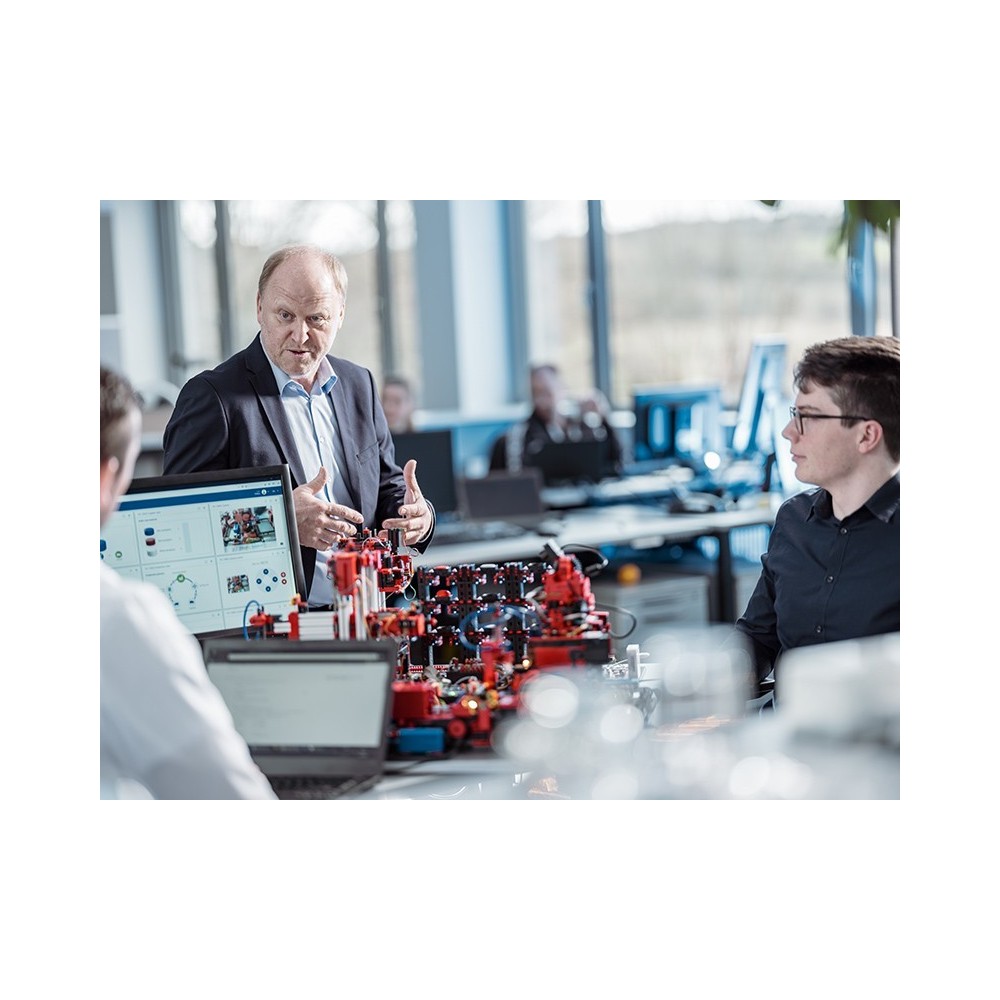
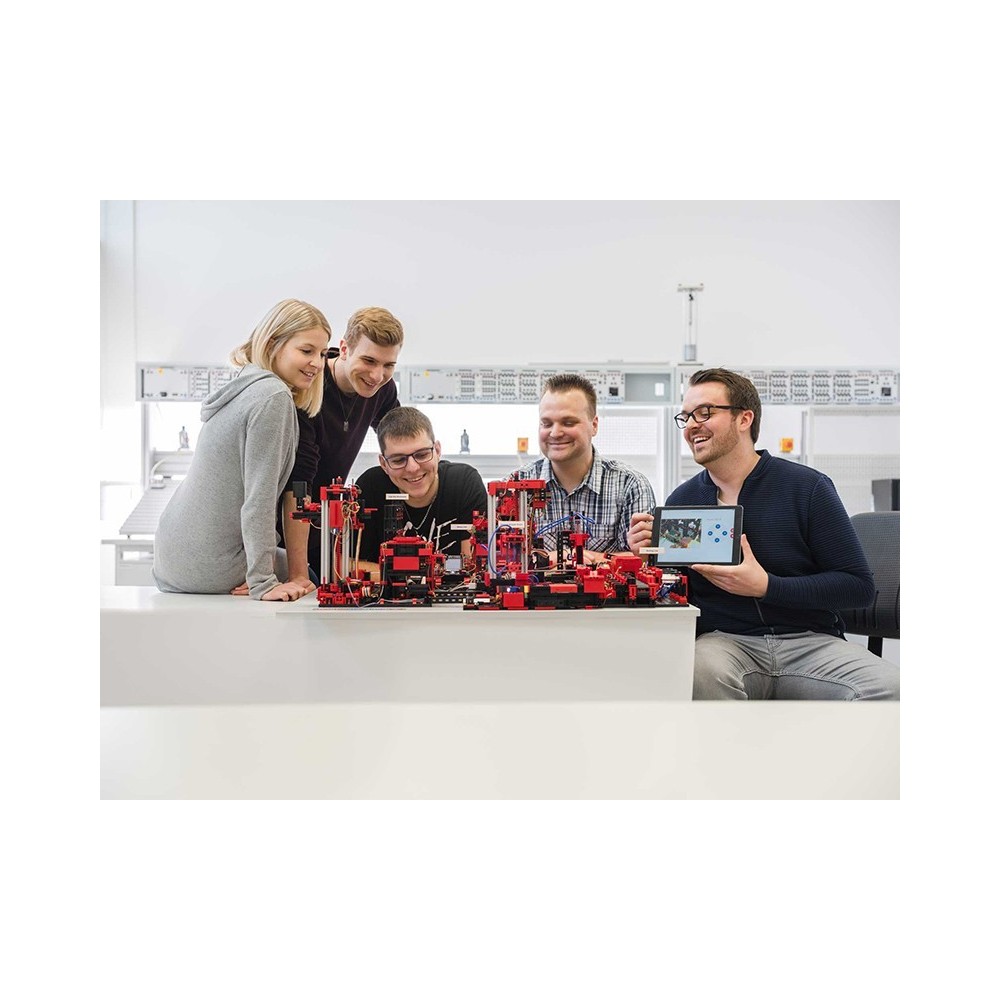
The fischertechnik learning environment is used for learning and understanding industry 4.0 applications in vocational schools and training as well as for research, teaching and development at universities, in companies and IT departments. The simulation depicts the ordering process, the production process and the delivery process in digitised and networked process steps.
The digitally driven change in industrial production requires stronger networking and more intelligent information at all levels of production. With the fischertechnik Training Factory 4.0, these digitization activities can be simulated, learned and applied on a small scale before they are implemented on a large scale. This makes it a highly flexible, modular and cost-effective and robust training and simulation model.
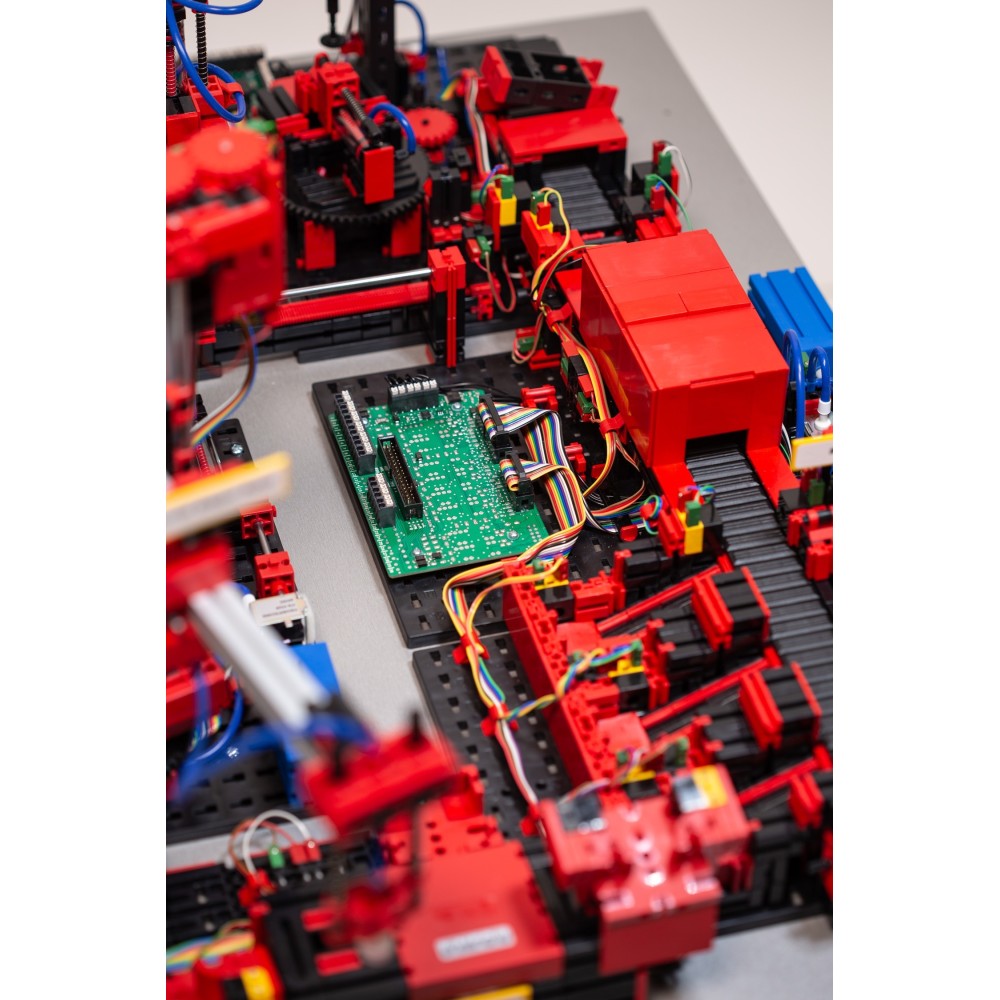
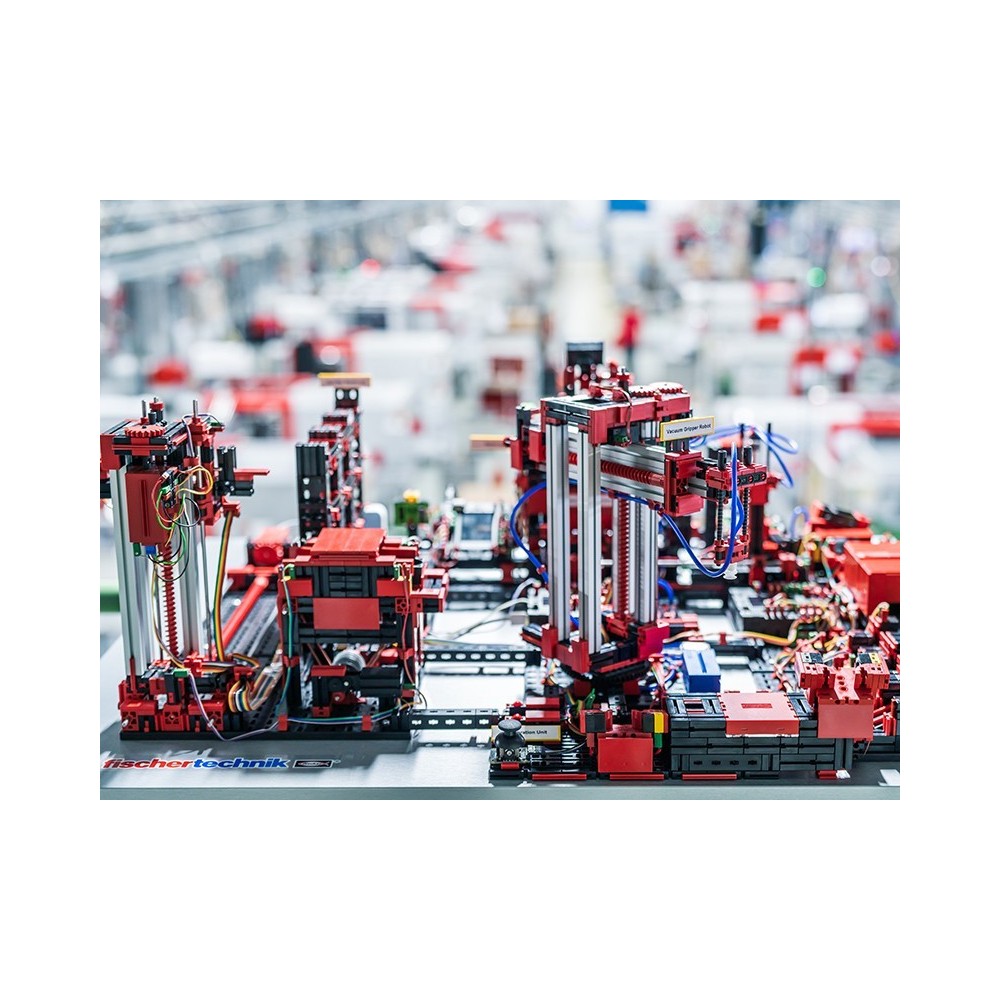
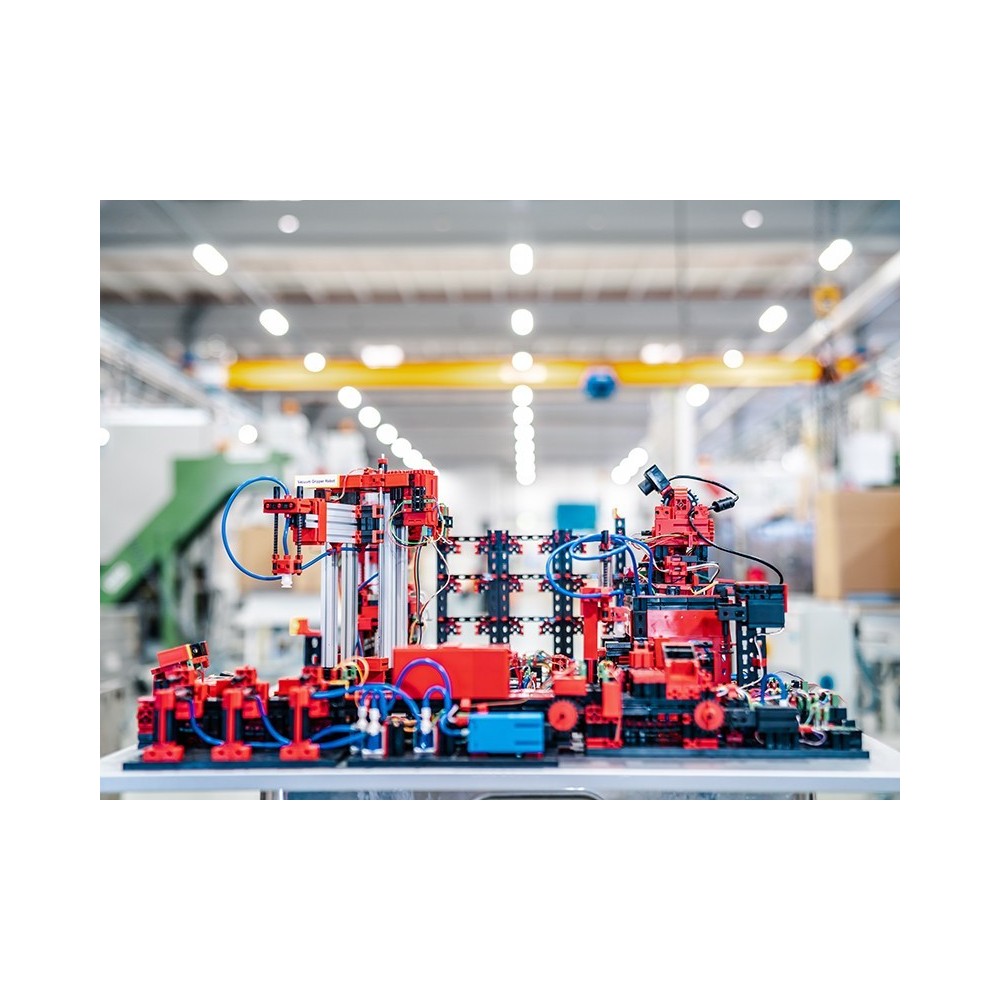
This consists of the factory modules like storage and retrieval stations, vacuum suction pads, high-bay warehouse, multi-processing station with kiln, a sorting section with colour detection, an environmental sensor and a pivoting camera. After the order has been placed in the dashboard, the workpieces pass through the respective factory modules and the current status is immediately visible on the dashboard.The integrated environmental sensor reports values for temperature, humidity, air pressure and air quality. The camera sees the entire system through the vertical and horizontal pan range and can thus be used for web-based remote maintenance.Individual workpieces are tracked using NFC (Near Field Communication): A unique identification number (ID) is assigned to each workpiece. This enables traceability and visibility of the current status of the workpieces in the machining process.
The Training Factory 4.0 24V is controlled by a PLC (brand independent, not included in the scope of delivery) and comes with a ready-made example program as structured text (ST). The program was created on the basis of a Siemens S7-1500 (see www.fischertechnik.de/simulation).
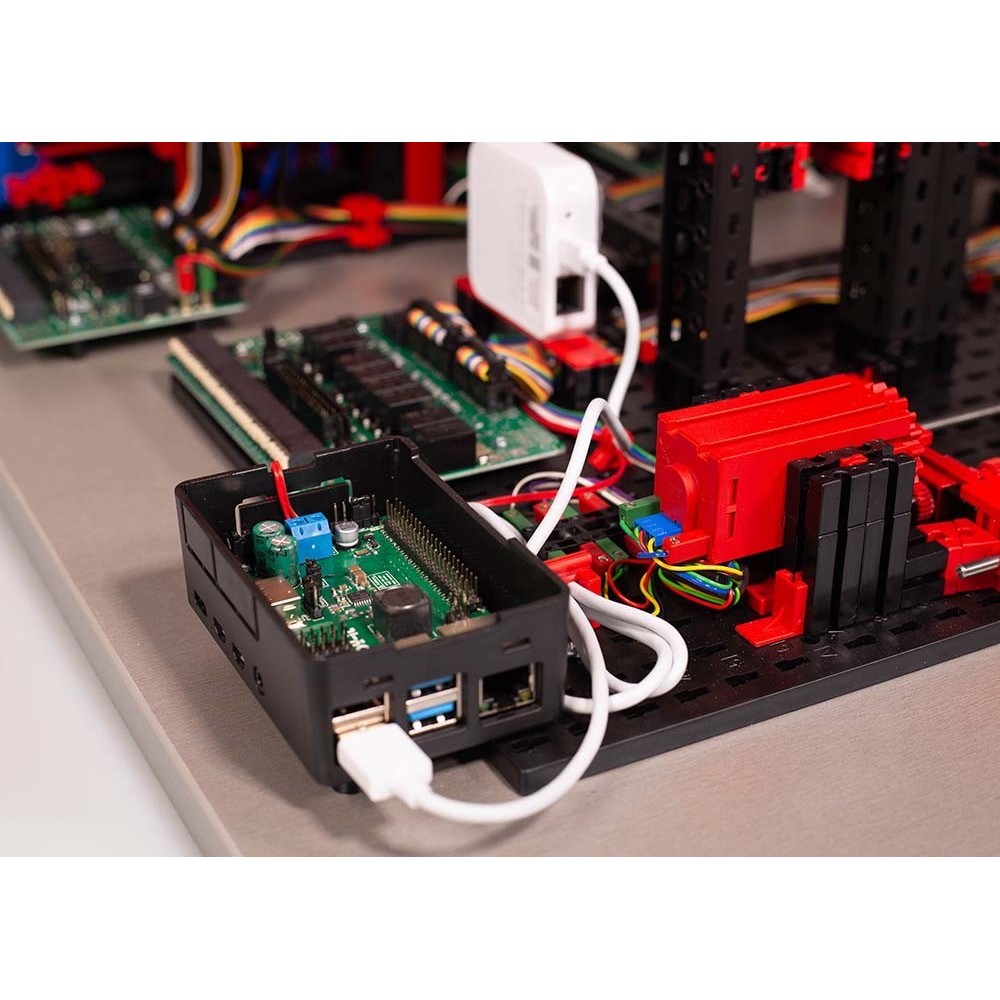
The newly developed 24V adapter boards as interface to the PLC are pre-assembled in the Training Factory and are connected to the PLC via terminals. Among other things, this latest generation of adapter boards allows
- the encoder motors are controlled in speed via PWM, and
- push/pull output stages for phototransistors and buttons
A fischertechnik TXT controller is also installed in the Training Factory 4.0 24V. This is supplied with power via the adapter board and provides the connection to the fischertechnik cloud. The TXT Controller also communicates in MQTT to the IOT gateway (Raspberry Pi) which in turn translates in OPC-UA to the PLC controller. In this way, the 9V-based components such as the environmental sensor, the USB camera, the brightness sensor and the NFC reader can be addressed via the MQTT interface and read out by the PLC. Even more interesting, however, is another function of the IOT Gateway, namely the possibility of an optional connection to a separate cloud. Thus, Training Factory 4.0 offers maximum flexibility for the individual user.
The PLC sample program for controlling fischertechnik Training Factory 4.0 was created based on a Siemens S7-1500 and can be viewed, used free of charge and downloaded from GitHub:
https://github.com/fischertechnik/plc_training_factory_24v
Of course, the Training Factory can also be controlled with other PLC models and brands and individual solutions can be programmed and implemented by the user. It may be necessary to make small adjustments to the example program, which can be implemented independently.
AR/VR, Digital Twin
The fischertechnik training and simulation models are also ideal for digital applications and demonstrators. We will be happy to provide you with the necessary CAD data.
The connection to the fischertechnik cloud is established via the WiFi router supplied and integrated into the learning factory. We recommend using the web browsers such as Chrome or Firefox. The cloud can be used via a personal access that is created once (www.fischertechnik-cloud.com). The cloud servers are located in Germany and ensure that strict European requirements regarding the storage of data are applicable. Personal data is protected in an account with password access that uses extremely secure "OAuth2" industry standard. All data sent to the cloud is transmitted encrypted with certificates (https standard, green lock in web browser).
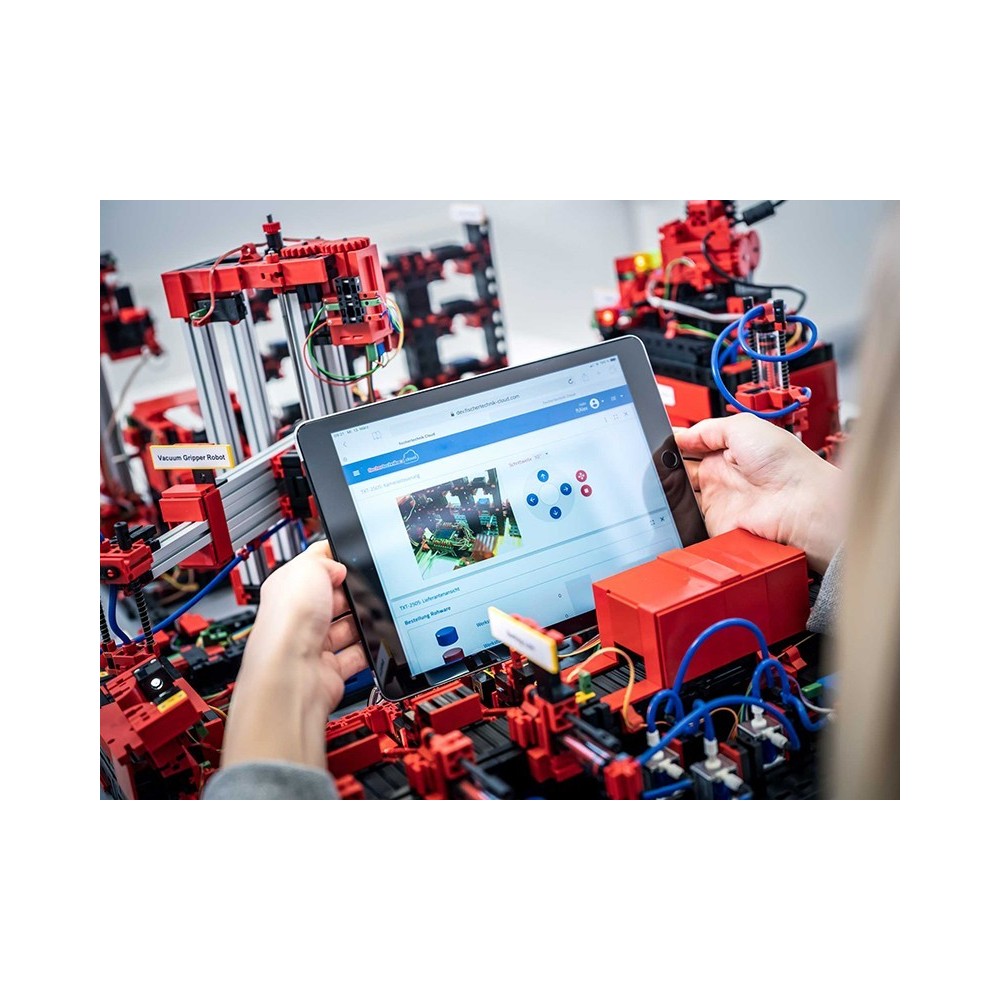
The fischertechnik dashboard in the cloud can be called up and operated via mobile devices such as tablet and smartphone as well as on laptop and PC. In addition, a local dashboard, created with Node-RED, is implemented on the Raspberry Pi (IOT gateway), and own dashboards can also be created via Node-RED.
The dashboards included in Training Factory 4.0 allow the presentation of platforms from three different perspectives:
The customer view shows a webshop interface with a shopping cart, where you can order a workpiece and track the current status of the order in the shopping cart. This process is displayed on the interface for the customer so that he/she is informed about the status of his/her order.
The process of ordering the raw material is displayed and visualised in the supplier view.
The factory status, the production process, the stock, the NFC/RFID reader and the sensor values can be queried in the production view. In addition, the camera that monitors the production line can also be controlled here. All these functions are controlled within a window and actuated via the menu.
In Factory status, the status of the respective module is visualised via a traffic light display. If a fault occurs in production, it is acknowledged via a button after the cause has been rectified and production is continued.The individual manufacturing steps are visually simplified using connected nodes and represented in the Production process view. The currently active node (= production module) lights up green or red when the respective process step is being processed live or there is an error and is waiting to be corrected.
The Inventory production view visualises the current inventory of workpieces including minimum and maximum stock. A reorder point procedure is stored. This production view is used exclusively for visualisation.The production view of the NFC/RFID reader displays the workpiece data and can be used to read or delete workpieces manually. The raw data of the NFC tags can be read using a standard NFC app from mobile devices with NFC readers. Each workpiece has its own unique ID and displays the following data: Status, colour and timestamp from delivery to dispatch.The camera is also controlled via the production view and the read values of the environment sensor can also be viewed here.
Booklet
In addition to the technical documents, which are accessible at www.fischertechnik.de/simulation, the fischertechnik eLearning portal also contains a didactic booklet with detailed operating instructions and lively and helpful training and teaching content specially developed for Training Factory 4.0. The booklet also contains the technical specifications and explanations of the individual modules of Training Factory. The accompanying booklet can be viewed at www.fischertechnik.de/service/elearning.
Service offers
Contact: For advice or if you have any questions, you can reach us Monday to Friday by phone and e-mail. Our service staff will help you quickly and gladly. You can also find the FAQs on fischertechnik.de with further information.
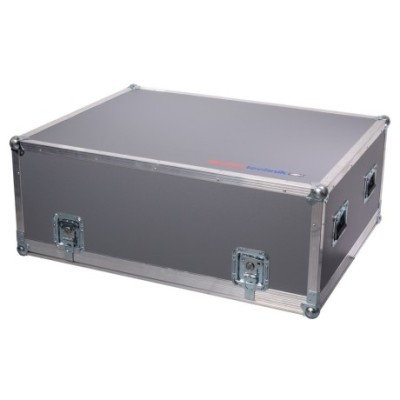
Delivery: All fischertechnik training and simulation models are delivered in a particularly stable shipping box which guarantees safe delivery worldwide. All deliveries are also insured against transport damage at our expense.
Spare Parts: You can obtain and exchange each fischertechnik component individually even years after your model purchase. This guarantees that you always have a fully functional model in operation. You can find the complete overview of individual parts at fischertechnik.de
CAD Data: If you need CAD data for the training and simulation models, please contact us so that we can advise you individually and make you an offer.
Including:
Besides of that and which is one of the major cost driver, is a new readymade PLC sample program for the whole Training Factory written in STP format, so that the final customer / user does not have to invest a lot of time in writing a program from scratch or hiring that service from a costly PLC Programmer. He can use that sample program in combination with an adequately sized Siemens PLC’s without any adjustments to do. Or he uses the same sample program with any other PLC from a different brand with some syntax adjustments to do (if so).
By the way – the PLC you want use, needs to support the following number of I/O’s in order to control the new “Training Factory Industry 4.0 in 24” properly:
Digital inputs: 28
Counter inputs: 14
Analog inputs: 2
Outputs: 43
Outputs PWM (optional): 12
fischertechnikTV
For more information please click on: https://www.youtube.com/user/fischertechnikTV

Ideal for school or manufacturing companies
Mounted on a solid wooden plate


.png)
.png)